Fiest is now in the chat apps you already use
Message the Fiest assistant in WhatsApp, Telegram, Slack or Discord, on your own or in your team's group chat. Ask for yesterday's sales, sort out tomorrow's shift, add tasks and get reports for the accountant.

Contents
Restaurants already run on chat apps. The owner checks the numbers on WhatsApp at midnight, the managers have a Slack channel, the kitchen has its Discord. Who's in tomorrow, did anyone see yesterday's report, we're almost out of lemons. The questions land in the chat, and too often nobody has the answer at hand.
Now Fiest is in the apps you already use: WhatsApp, Telegram, Slack and Discord. Message the Fiest assistant on your own, or add it to your team's group or channel, and it answers from your restaurant's own data, right away.
In the apps you already use
The Fiest assistant works in four chat apps, on your own or with the team:
- On your own. Message Fiest in a private chat on WhatsApp or Telegram, like any other contact. Ask about today's sales on the way home, or check both locations before bed.
- With the team. Add Fiest to your Telegram group, or to a Slack or Discord channel such as #kitchen or #managers. Anyone writes
@Fiest, and the answer comes back in the same thread for everyone to see.
Nobody has to install anything new or learn another app.
What you can ask
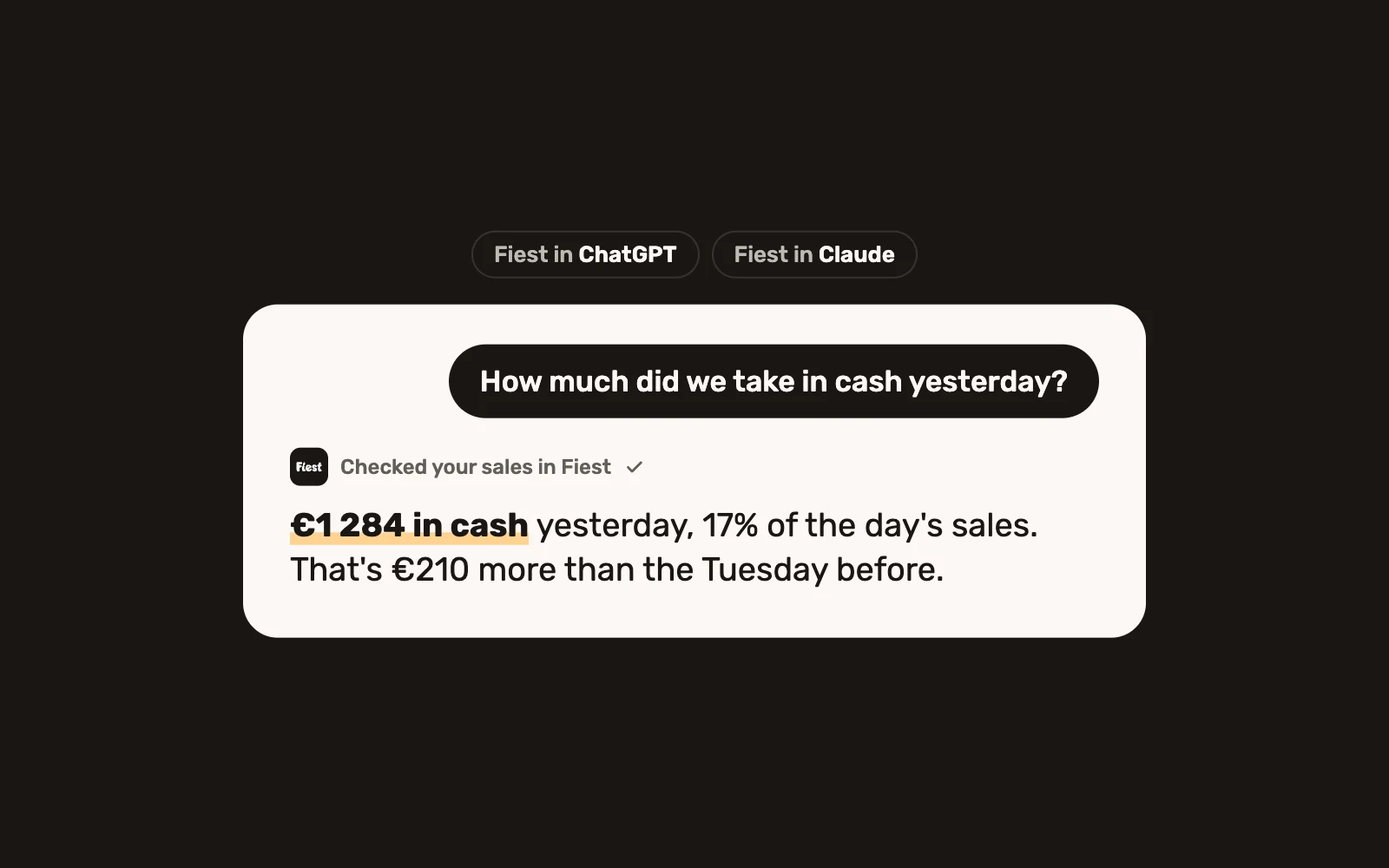
- Sales. "Does anyone have yesterday's sales report?" Fiest replies with the day's total, the report as a PDF and who was on shift.
- Shifts. "How many do we need tomorrow?" Fiest shows how busy the day looks, who is already on and where a pair of hands is missing. When someone says "I can", the gap is filled.
- Tasks. "@Fiest remind Leo to order lemons by Monday." Fiest suggests the task, and it's added once you tap Add.
- Reports. "October for the accountant, in Excel." The month's sales arrive as a workbook, named the way Fiest names its exports.
- Several locations. At midnight the owner can ask how both places did today, and get each location and the total in one reply.
Changes wait for a yes
Fiest only reads and answers until someone confirms a change. A task, a menu edit or a price change is shown first, and it's made only after you approve it. Owners, admins and managers link their own account, so the assistant knows who is asking and what they're allowed to see.
How to connect
- In the dashboard, open Account & restaurant and go to Connections.
- Pick WhatsApp, Telegram, Slack or Discord and link your account.
- Message Fiest, or add it to your team's group or channel, and ask your first question.
The same link works in every restaurant you manage. See all the services that work with Fiest, how tasks work, or ask about your restaurant from ChatGPT and Claude.
Want to see it with your own team's questions? Book a demo.