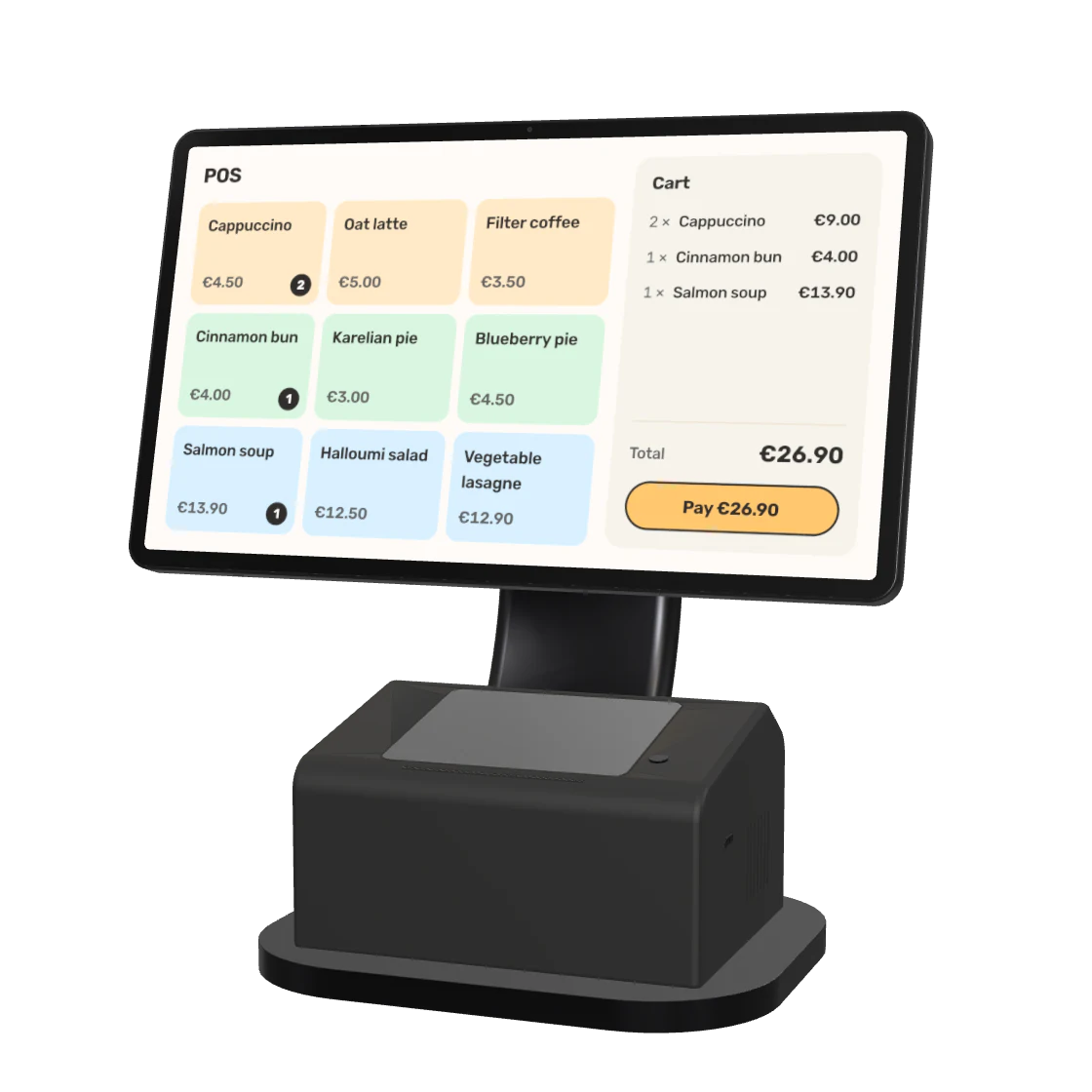
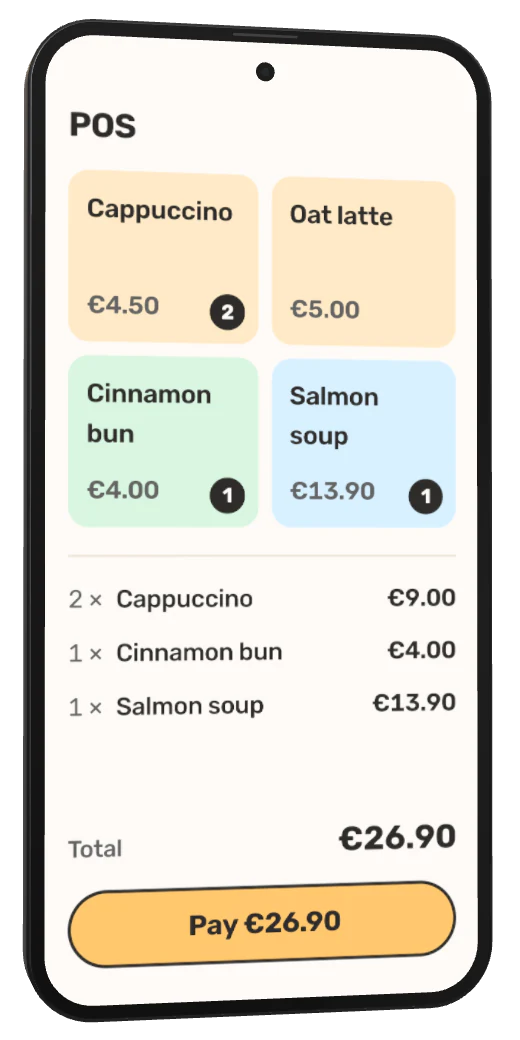
A phone for the terrace. A tablet for the kitchen. A till at the counter. Mix the devices that make sense for your team.
Phone
For service on the move
Take orders on your smartphone, at the table, on the terrace or at an event. A compatible phone can also take contactless payments through SumUp, Viva or Stripe.
Keep the till and payment terminal in one hand. Choose a compatible terminal with a printer for paper receipts, and battery power and 4G for service away from the counter.
Use a tablet as your till or kitchen display. The larger screen gives the team room to see products and orders. Add a compatible printer when you need receipts or kitchen tickets.
Use Fiest on the computer you already have. Open the till in your browser or install the Windows or macOS app. Connect compatible payment and printing hardware for counter service.
Use a computer, tablet or dedicated till at the counter. Add a compatible card terminal, printer or customer display to build the setup your service needs.
Illustrative setups. Fiest also runs on compatible hardware you already own.
Start with what you already have
Fiest is hardware-agnostic. You choose the device and brand. Open Fiest in a browser or install the app, and add dedicated hardware where it helps your service.
Yes. Fiest works on smartphones, tablets and computers with a web browser. You can also install the Android, Windows or macOS app. We check compatibility separately for card payments, printers and other peripherals.
You can use Fiest in the browser on iPhone and iPad. Native app downloads are currently available for Android, Windows and macOS. Contactless payments on a phone have separate device and payment provider requirements.
A compatible smartphone can take contactless payments through SumUp, Viva or Stripe. You can also connect a supported card terminal. The right option depends on your device, provider and service, and we help check those before setup.
Yes. Fiest's till keeps selling offline in the browser, as an installed app and in the Android POS app, and sales sync when the connection is back. A handheld terminal with its own 4G keeps the till online even if the venue's Wi-Fi goes down.
Fiest supports most thermal printers, with Star Micronics for cloud printing. Compatibility depends on the model and connection, so we check your printer before setup. You can also send receipts by email or share them as a QR code.
Yes. Your counter till, mobile devices and kitchen screen can use different platforms with the same Fiest. Choose a device for each role instead of fitting every role around one device.
Yes. We help choose compatible devices and can provide a hardware package for your restaurant. Hardware is quoted separately for your configuration. In a demo we can go through the devices you already have and anything you want to add.
Let's find your setup
Show us how your service runs and which devices you already have. We'll help you choose a setup that fits, with any extra hardware quoted separately.