Fiest POS is now on the App Store and Google Play
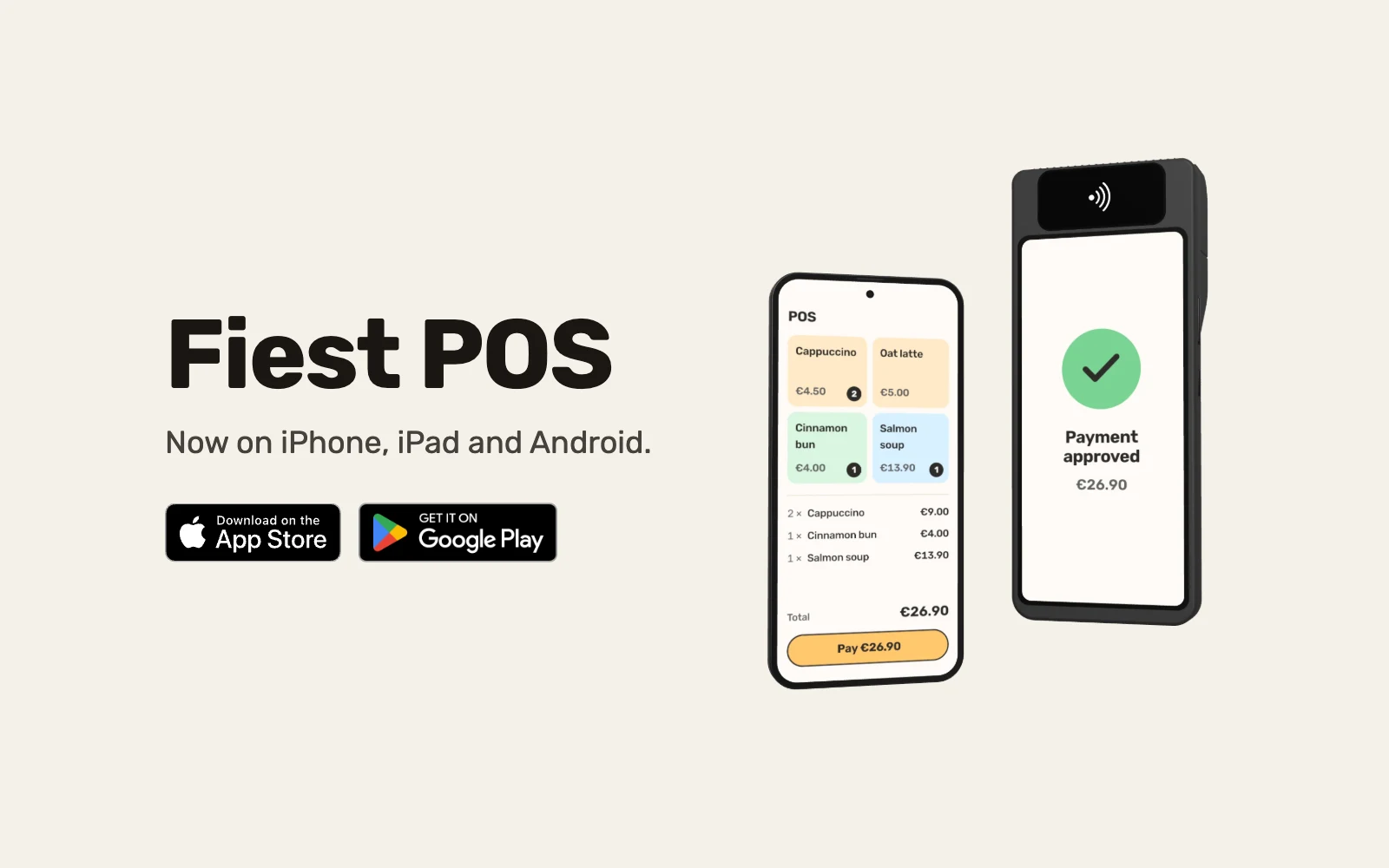
Fiest POS is now on the App Store for iPhone and iPad and on Google Play for Android. Take orders, run tabs and take payments with your Fiest account.
Contents
Fiest POS, our till app for restaurants, cafés and bars, is now on the App Store for iPhone and iPad and on Google Play for Android phones and tablets. Install it from the store your device already uses and sign in with your Fiest restaurant account. The till opens with your menu, tables and settings in place.


iPhone and iPad are trademarks of Apple Inc., registered in the U.S. and other countries and regions. App Store is a service mark of Apple Inc., registered in the U.S. and other countries and regions. Google Play and the Google Play logo are trademarks of Google LLC.
What you get in the app
Fiest POS is the same till restaurants already run on Fiest, now installed like any other app:
- Orders and payments. Take the order at the counter or at the table, then take the payment by card, cash or lunch benefit. Print the receipt, email it or show it as a QR code.
- Tables and tabs. Open a tab, add to it through the evening and split the bill equally, by item or by any amount.
- Kitchen orders. Send orders from the till to the kitchen, next to online and QR orders.
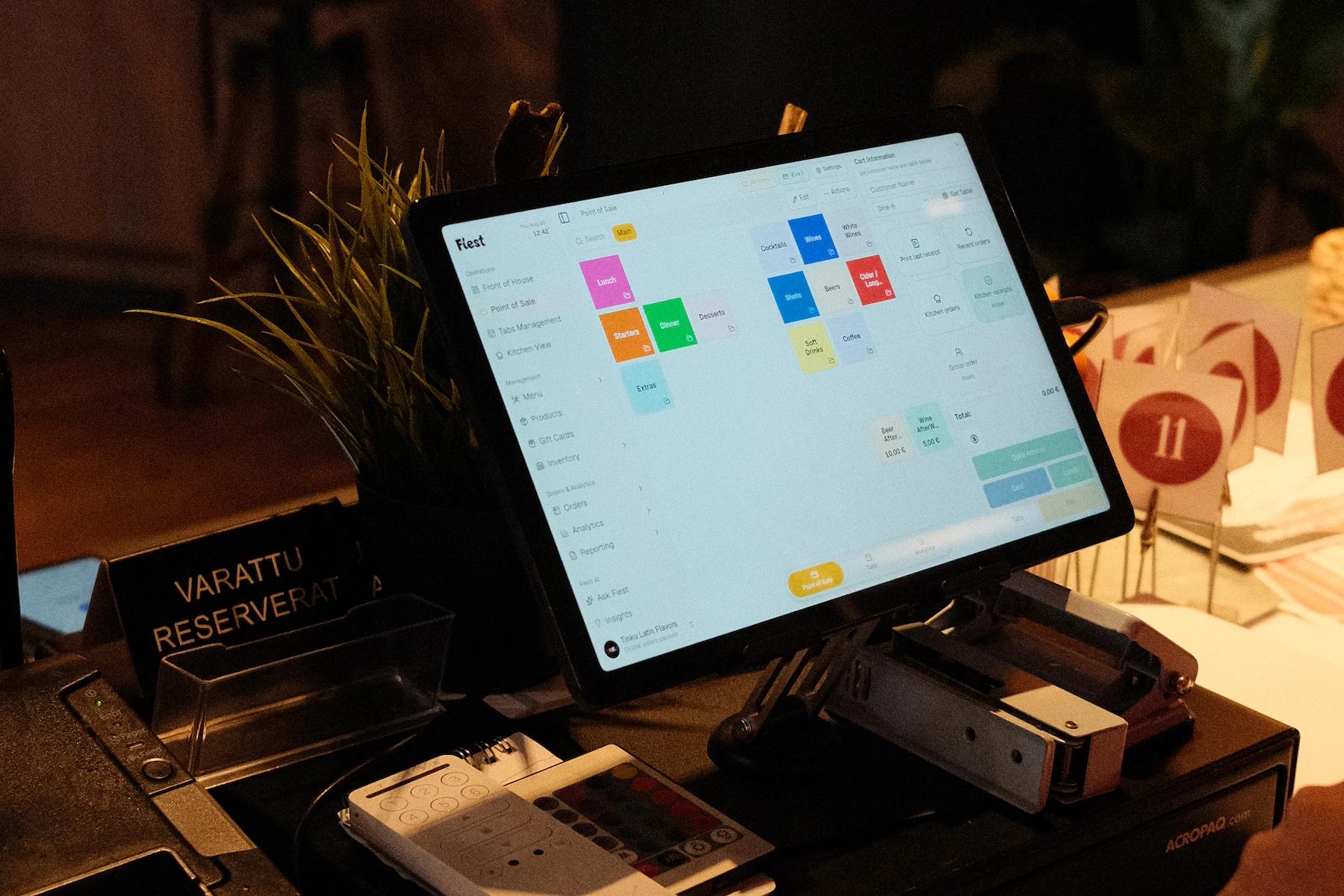
- Your hardware. Connect a supported card reader and receipt printer, scan guests' Fiest member cards with the camera, and show the order to the guest on a customer display.
- Your numbers. Sales, the VAT breakdown, payment methods and the end of day report are a tap away for the owner.
Fiest works online and offline: if the connection drops in the middle of service, the till keeps taking orders and payments, cards included on a SumUp or Viva terminal, and syncs the sales once the connection is back. Read how Fiest works offline.
Updates come through the store
When we release a new version, the App Store or Google Play brings it to the device like any other app update. There are no installer files to keep track of.
Use the devices you already have
The store apps cover iPhone, iPad and Android phones and tablets. On Windows and macOS computers you can install Fiest from the downloads page, and on any other device, Linux included, it runs in the browser. A tablet at the counter, phones on the floor and a laptop in the back office all show the same orders. Choosing new hardware? See card terminals and POS hardware.
Fiest is also in ChatGPT and Claude
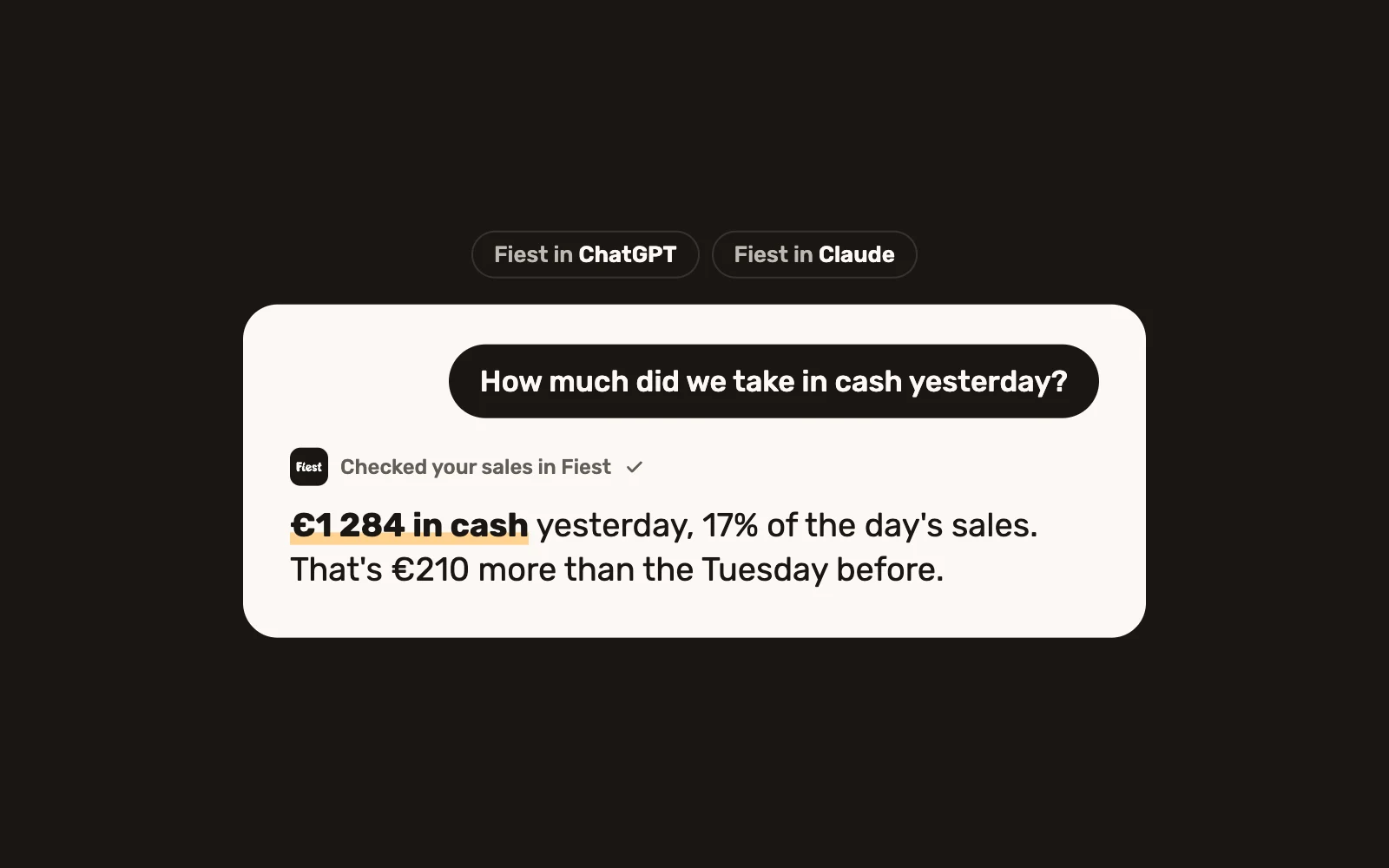
Fiest is the first Nordic restaurant system available in both ChatGPT and Claude. Connect your restaurant to the assistant you already use and ask about yesterday's sales, last month's VAT or the menu, from wherever you are. See how Fiest works with AI.
Fiest POS or the Fiest app?
Two apps carry the Fiest name. Fiest POS is for your team: the till, orders and payments. The Fiest app is for your guests, who use it to order ahead and collect visits and rewards on their member card.
Getting started
Already on Fiest? Install the app and sign in with the account you use today. New to Fiest? Book a demo and we will walk through your service with you, bring your menu in and get the till running on your devices. Our pricing is on its own page.