QR ordering works best after the guest is already seated
How restaurants can use QR ordering for the next drink, dessert, side, or reorder without creating another queue for staff.
Contents
QR ordering is not about replacing table service with self-checkout. Done well, it gives guests an easy second path after they are already seated: another drink, a side, dessert, or a quick reorder from the terrace.
That matters on both sides of service. Guests spend less time waiting, staff spend fewer steps on simple requests, and the restaurant captures add-on sales that often disappear when the moment passes.
Start with the add-on moments
The best QR use cases are rarely the first order. They are the moments after the guest is already seated or already committed to buying:
- another round of drinks
- coffee after lunch
- dessert after the main course
- sauces, sides, or extras
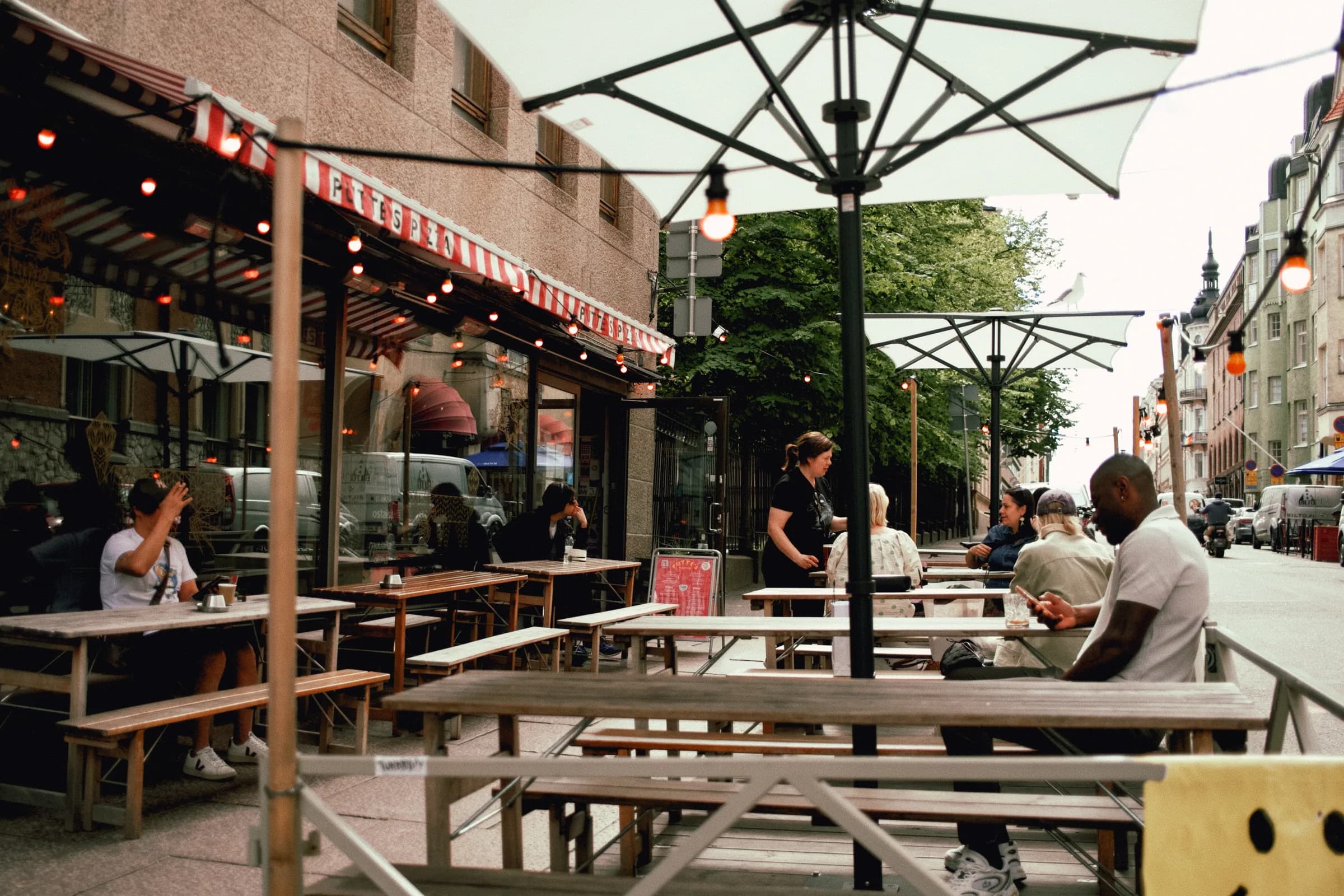
- a quick reorder from the terrace
- takeaway items before leaving
Keep the ordering path short
Guests should not need to download an app, create an account, or find their table manually. The best path is simple:
- scan the QR code at the table
- see the right menu
- add items to the basket
- pay or send the order based on how the restaurant serves the table
Fiest’s table ordering uses the same menu and kitchen view as POS, so table orders do not become a separate channel.
Put the order where staff already work
QR ordering only helps staff when those orders appear where they already work.
If QR orders land in a separate tablet, inbox, or admin panel, the restaurant has created another queue to watch. If they land beside the other POS and kitchen orders, staff can treat them like normal service: accept, prepare, serve, and close the table.
Make the kitchen path explicit
QR ordering fails when orders go to the wrong place or get lost among other tickets. The kitchen needs to see where the order came from, which table it belongs to, and what state it is in.
When the kitchen display and table ordering use the same order data, staff can follow the table without paper tickets or extra tablets.
Avoid the common mistakes
Most QR ordering problems are not caused by the QR code. They are caused by rollout details.
- The menu is too long or badly grouped.
- Guests do not know what happens after ordering.
- Staff do not see QR orders in the same rhythm as other orders.
- Table numbering is unclear.
- The payment flow does not fit the restaurant’s service model.
Test the full path with one table before rolling QR codes across the floor.
What to take away
QR ordering works when it removes waiting without removing service. Start with add-on moments, keep the path short, and make sure orders appear in the kitchen like every other order.
Next, review table ordering features or compare the full setup on Fiest pricing.