Send orders to the kitchen
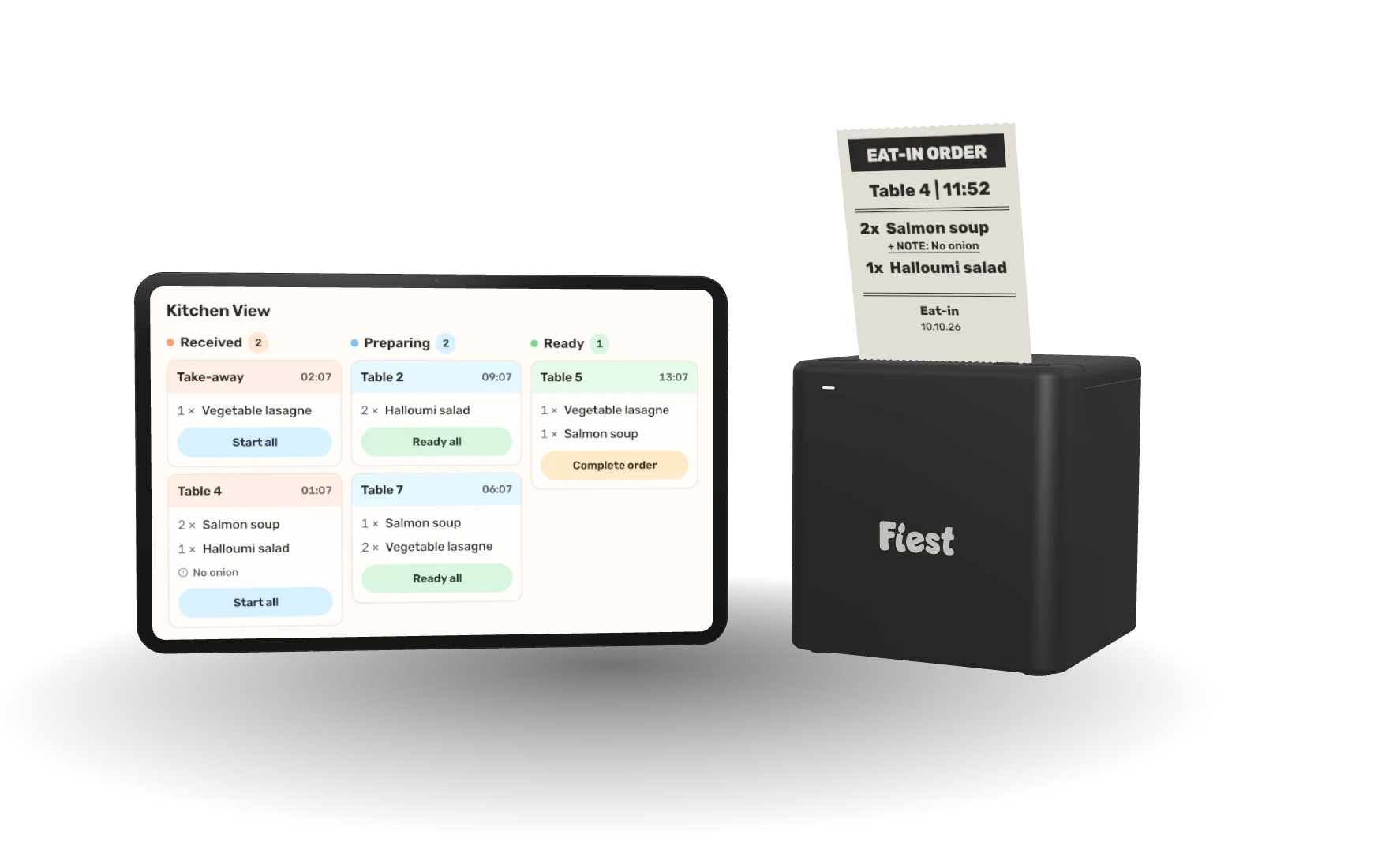
Orders reach Kitchen View and the kitchen printer. Each ticket goes from received to ready, and the floor sees when it is done.
Take dine-in and takeaway orders, accept the payment methods your guests use, and send every order straight to the kitchen from one POS.
Build the order, add what the guest asked for, take the payment their way and hand over the receipt, all from the same till.
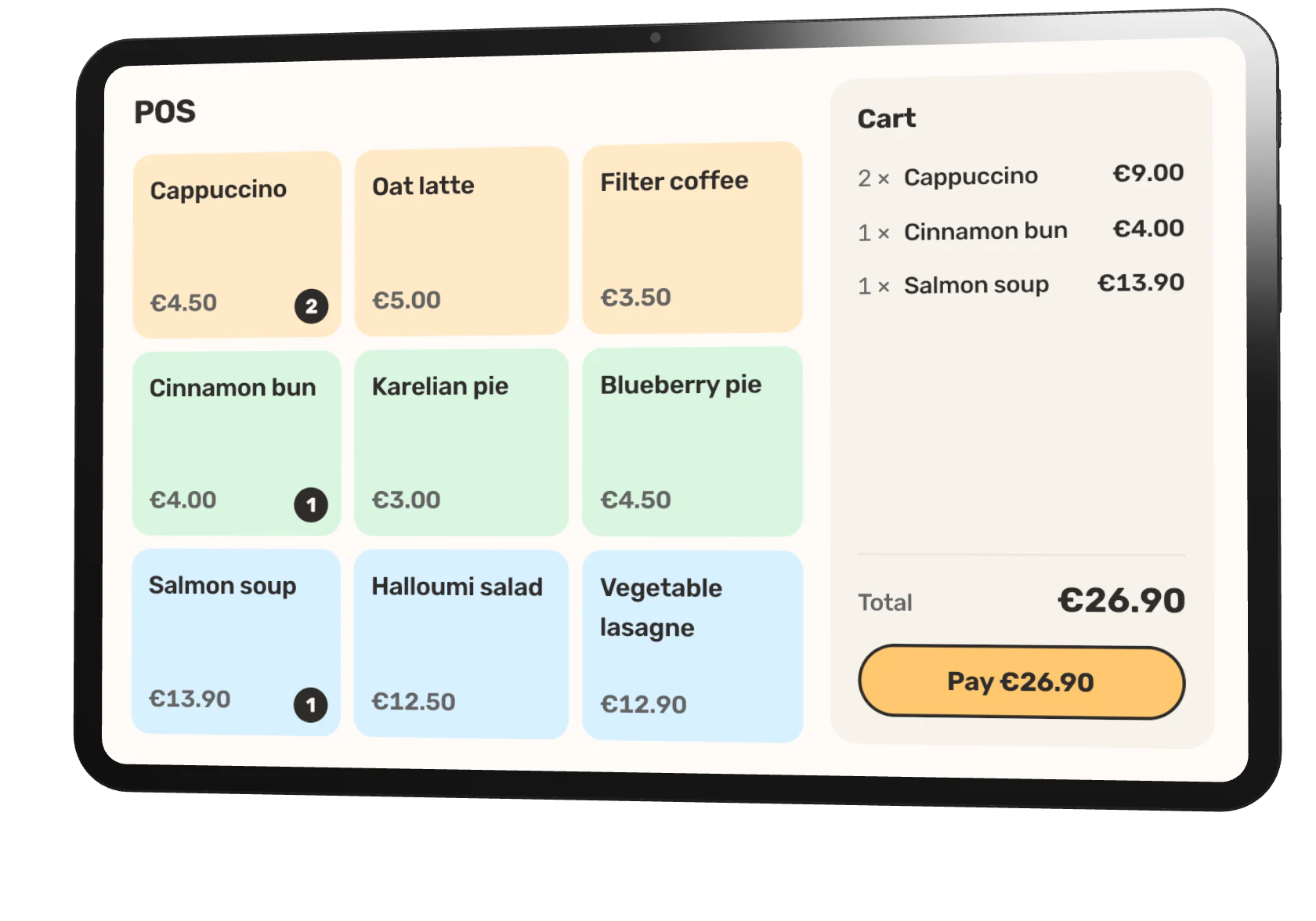
Your menu sits on the till in colour-coded groups. Tap to add, tap again for a second one, and the cart keeps the running total beside it.
Choose the menu and layout each device shows, from the counter tablet to a phone on the terrace.
A bowl instead of a cup, rye bread on the side, no dill. Pick the options and write the note once, and they follow the order to the kitchen ticket and the receipt.
Dine-in or takeaway and the table number stay with the order.
Card on the terminal, tap to pay on a phone, cash, lunch benefits or a gift card, all in the same checkout. Splitting the bill is one tap away.
Card payments run through SumUp, Viva or Stripe.
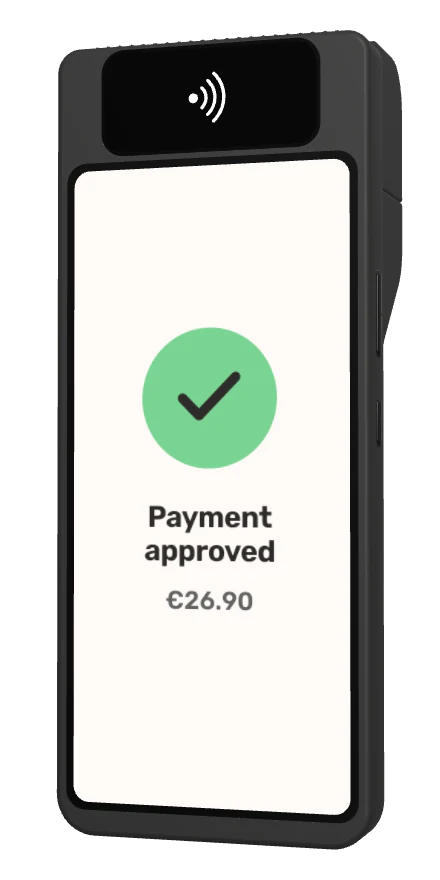
The payment is approved and the receipt is ready: print it at the counter or email it to the guest. The sale is already in the day's report.
Discounts and VAT show clearly on every receipt.
Clear answers to the questions restaurant teams ask before changing a live service workflow.
All frequently asked questionsThe same orders, menu and numbers run through every part of Fiest. These are the pages this one leads into.
Orders reach Kitchen View and the kitchen printer. Each ticket goes from received to ready, and the floor sees when it is done.
Recipes deduct what you sell, and stock counts, waste and costs stay in one view.
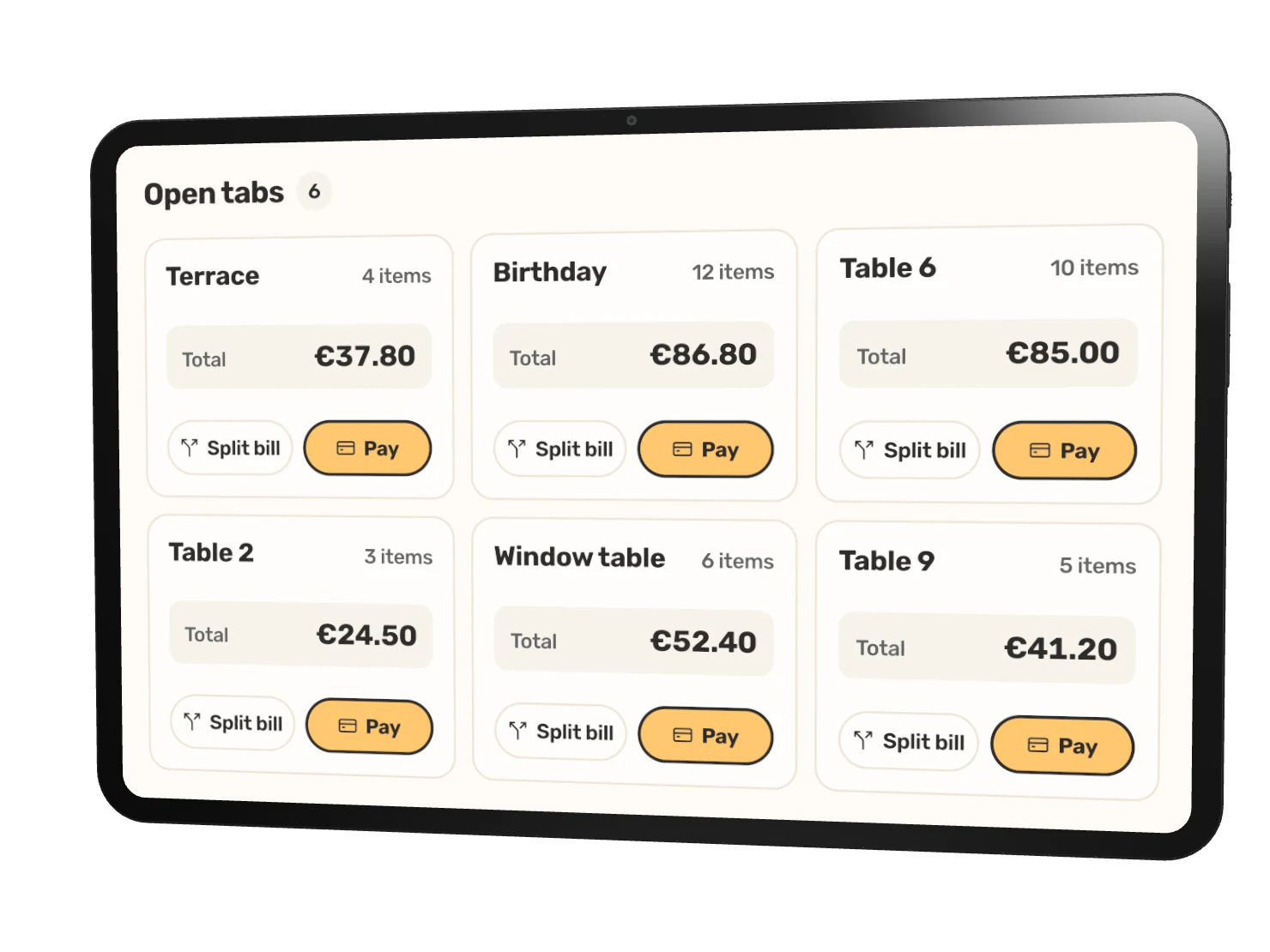
Open a tab for the party and split the bill equally, by item or your own way.
Fiest AI answers from your own sales data and suggests the next move.
Send us your menu and we take care of the rest, whether you are opening or moving off another system.
However you already have it. That is the only thing we need from you.
Products, prices, payments and your team, ready before you open.
Every channel is already in sync, and we stay on the line through your first service.
A short walkthrough shows the POS, Kitchen View, online ordering and reports working together for a restaurant like yours.