Choosing a restaurant POS: what to test before you switch
A practical POS selection guide for pricing, service flow, launch work, and the questions worth asking before you sign.
Contents
A POS system can look like a simple choice: take the order, take payment, move on. In practice, it sets the pace of service: how fast orders reach the kitchen, how quickly new hires learn, and how calmly the room holds together when lunch lands.
Use this guide to test the choice against a real shift before you commit.
Map a real shift
Do not start with the feature list. Start with service.
Write down a normal shift: counter orders, table orders, takeaway, payments, kitchen peaks, reporting, and closing. Then look at where your current tools slow the team down.
If your restaurant takes orders at the counter, from tables, and online, the POS should put those orders in front of the right people without adding another queue to watch. If the kitchen needs a live list, a payment terminal alone is not enough.
Price it with real sales numbers
Monthly fees, commission, and payment terminal costs can all look small in isolation. The full cost matters.
| Feature | Fiest | Varies by system |
|---|---|---|
| Monthly fee | €49 per location plus 0.39% of sales above €10 000 a month | A fixed monthly fee, sometimes per module |
| Setup | Fast setup on your own devices | Some include installation and training |
| Online orders | Use the same menu and order view | Included in some, a paid add-on in others |
Fiest's standard price is €49 a month per location plus 0.39% of sales above €10 000 a month, the same rate at the till and online. The first €10 000 of sales each month, till and online combined, carries no commission. Prices exclude VAT, and card payment processing is billed separately. With €20 000 in monthly sales, that is €49 + €39 = €88 + VAT a month.
Every cost, with a worked example, is in how much a restaurant POS system costs.
Check the features staff actually use
A restaurant POS should cover at least these basics:
- fast POS view for sales and payments
- kitchen order view without paper chaos
- online and QR ordering in the same system
- reports that show what sold and when
- support for local payment and tax requirements
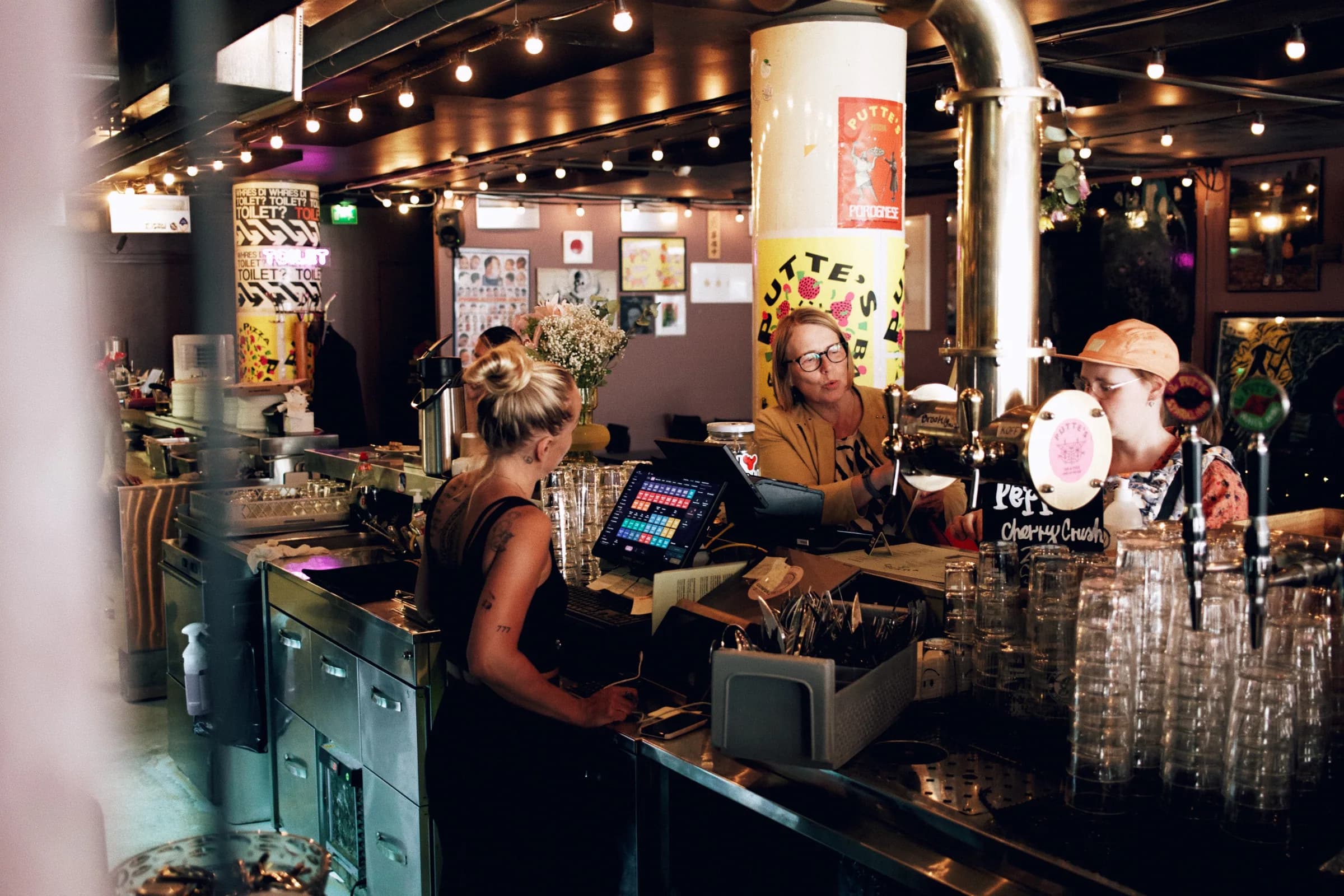
Fiest’s POS system, table ordering, and analytics share the same menu and order data, so the team is not stitching the shift together after the fact.
If you take table bookings or run the same checklists every shift, ask whether those live in the POS too. In Fiest, table reservations and shift task lists sit next to the orders, and integrations connect your accounting, card payments and lunch benefits.
Ask before you sign
Before you commit, ask the provider:
- Can I test it with my own menu?
- How quickly can I change a product, price, or tax rate?
- Does it work on devices I already own?
- What happens if I want to stop using it?
- How do online and table orders appear in the kitchen?
If the answers are vague, the rollout will often feel vague too.
The practical test
A good POS is not the one with the longest feature list. It is the one staff can use during the rush and owners can trust after closing.
Start by reviewing Fiest pricing, then compare options with the restaurant POS comparison guide.